Assess a Vendor Instantly

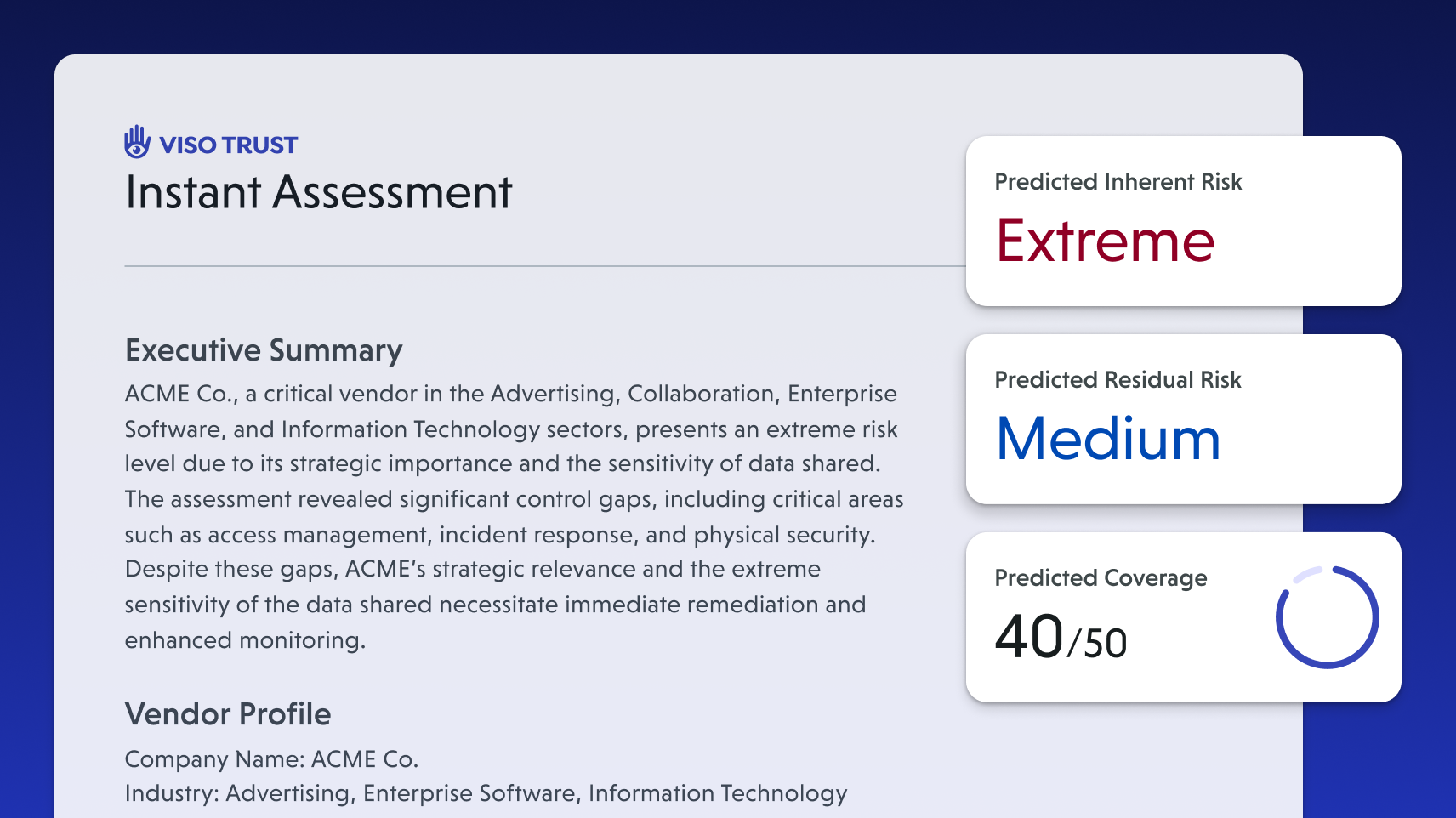
With Instant Assessment, VISO TRUST gives you immediate visibility into a vendor’s security posture — the moment you create a relationship.
Whether you add a vendor relationship manually, import in bulk, or discover them through Vendor Discovery, VISO TRUST automatically analyzes the vendor using publicly available data to generate risk insights within seconds.
What Instant Assessment Includes
As soon as you create a new relationship, VISO TRUST gathers and analyzes open-source data to build a vendor risk profile that includes:
Predicted Inherent and Residual Risk Scores
VISO TRUST calculates predicted risk scores based on a combination of known data, OSINT sources, and insights from our broader knowledge graph. This gives you an immediate understanding of how risky the vendor may be — even before collecting any documentation.
You can further refine this by adding a business case, which describes how your organization will work with the vendor. Once added, predicted risk is automatically updated based on the context of the relationship (e.g., data sensitivity, usage, business criticality).
Predicted Control Coverage
Instant Assessment estimates which security controls the vendor is likely to have in place based on discovered public evidence (like a SOC 2 Type II or ISO 27001 certification). This gives your team a high-level view of how mature the vendor’s security program may be — before requesting documents.
Public Artifacts and Compliance Certifications
VISO TRUST automatically discovers and collects publicly available security and compliance documentation, including:
- SOC 2, ISO 27001, and other certifications
- Security and privacy pages
- Audit reports
- Public trust centers
- Breach disclosures or incident reports
This eliminates the need for your team to manually research vendor websites or request standard documents unnecessarily.
In the Risk Analysis tab, you’ll see results derived from public artifacts and compliance attestations we were able to find:
When we are able to retrieve a publicly available artifact, we detect security language and map it to controls.
If a vendor claims compliance (e.g., displays a SOC 2 badge on their website), we give them partial credit for that certification’s control coverage.
To reduce uncertainty and fully validate a vendor’s security posture, we recommend requesting the official artifact (e.g., the full SOC 2 report) directly from the vendor.
Company Details
We gather firmographic and operational details such as:
- Company size and industry
- Domains and associated websites
- Headquarters location
This information helps contextualize the risk and supports automatic population of vendor profiles.
Where to Find Instant Assessment Results
Once a relationship is created, Instant Assessment results are aggregated in the Assessment tab on the relationship. To go deeper, details are available across several tabs in the vendor’s profile:
Assessment TabSummarizes predicted inherent and residual risk scores, control coverage, and key findings from publicly sourced information. | 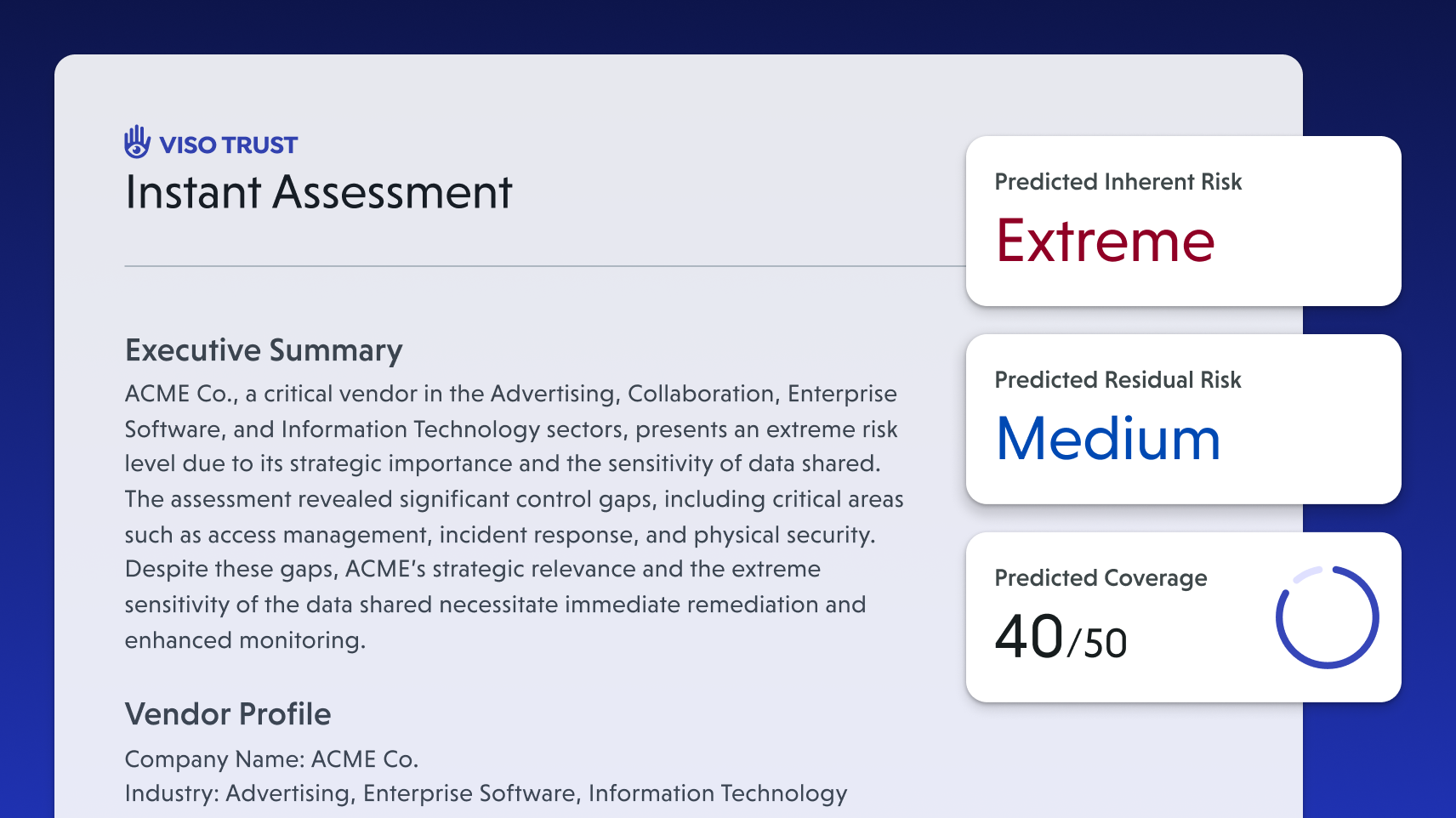 |
Risk Analysis TabDetails predicted control coverage based on discovered evidence and identifies any detections related to vendor risk indicators. | 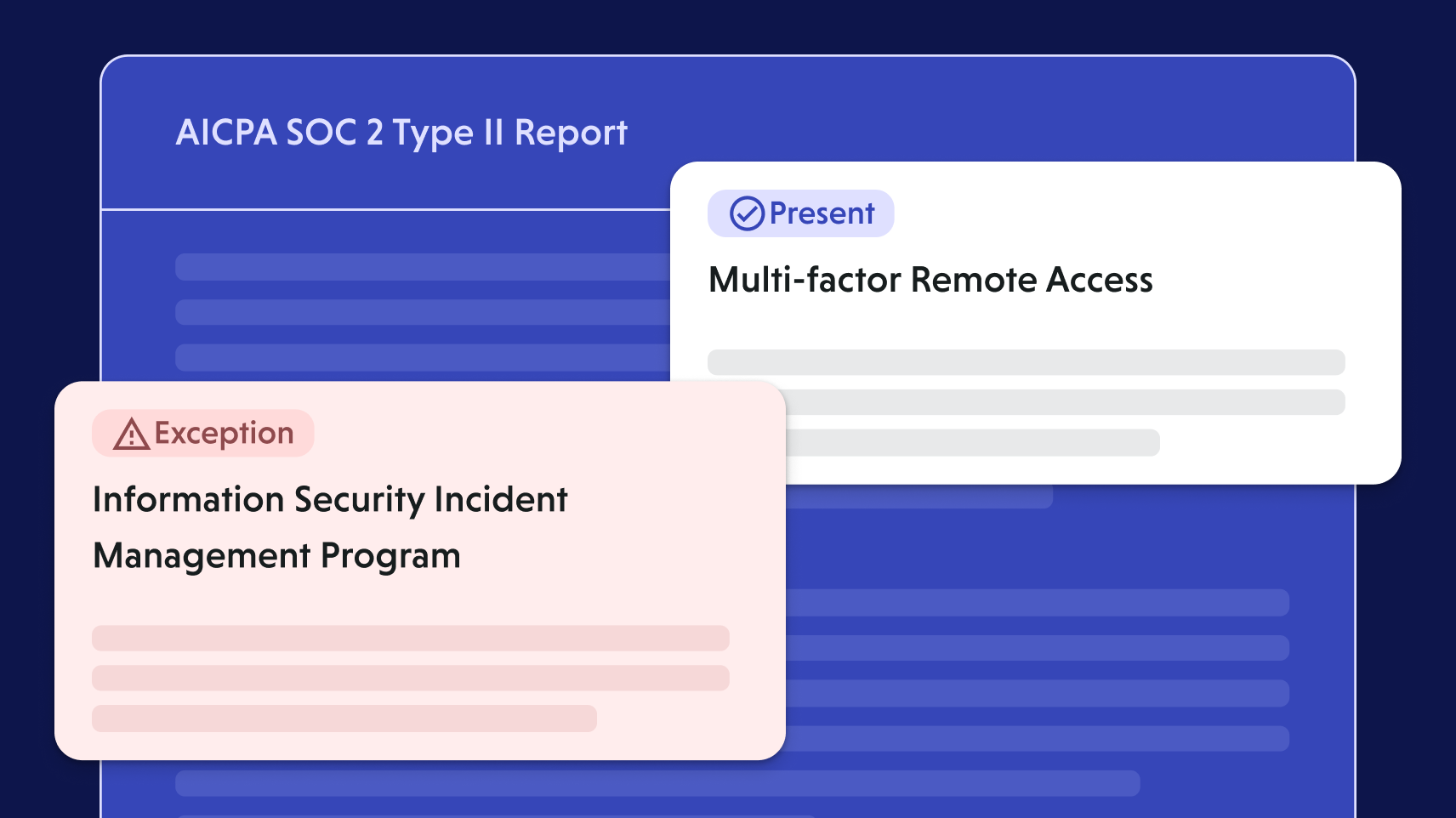 |
Monitoring TabSurfaces risk advisories and events discovered from public web monitoring. This includes security incident disclosures, breach reports, or other publicly posted risks associated with the vendor. | 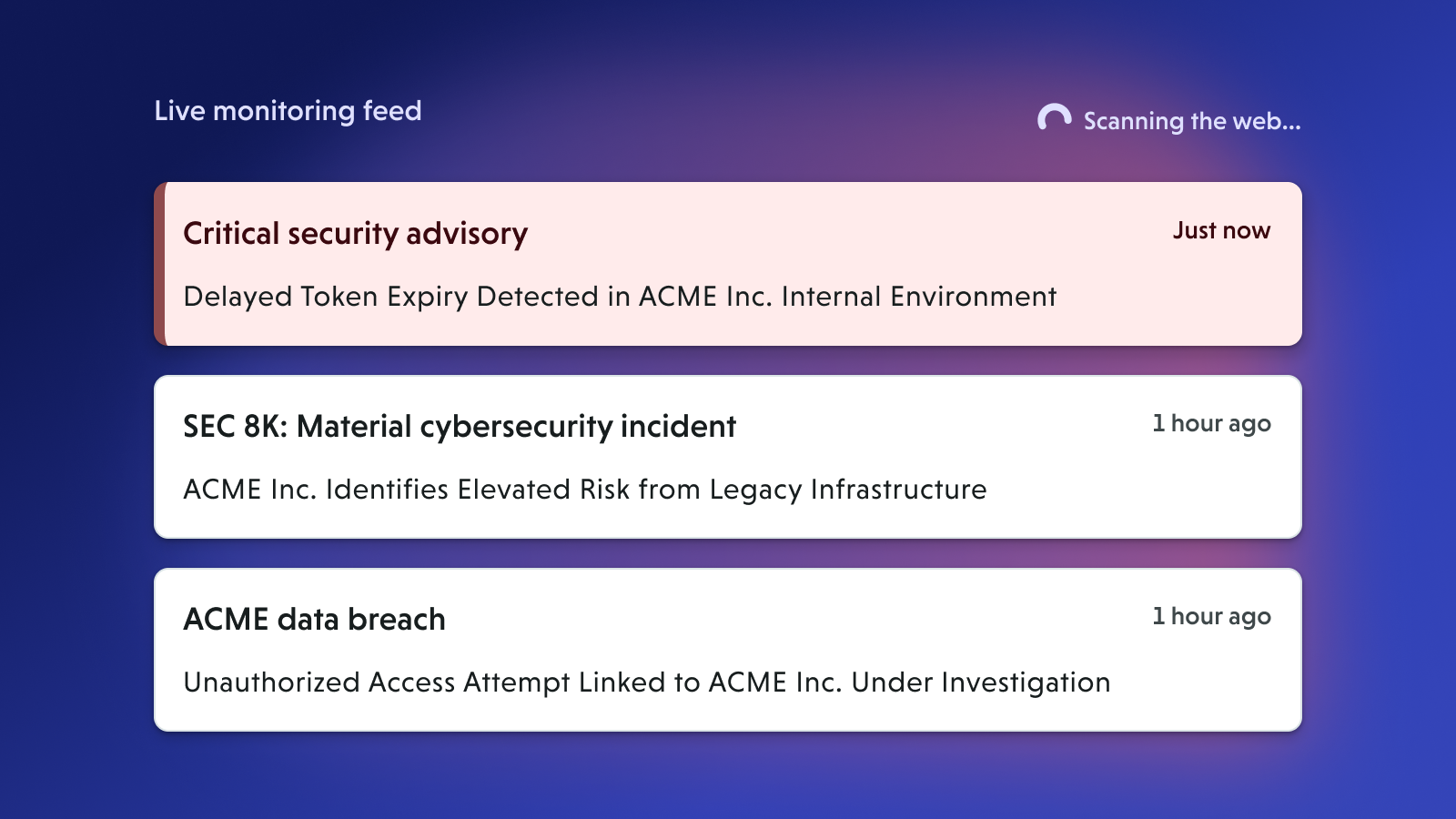 |
Artifacts TabDisplays the list of public artifacts found during our OSINT scan. | 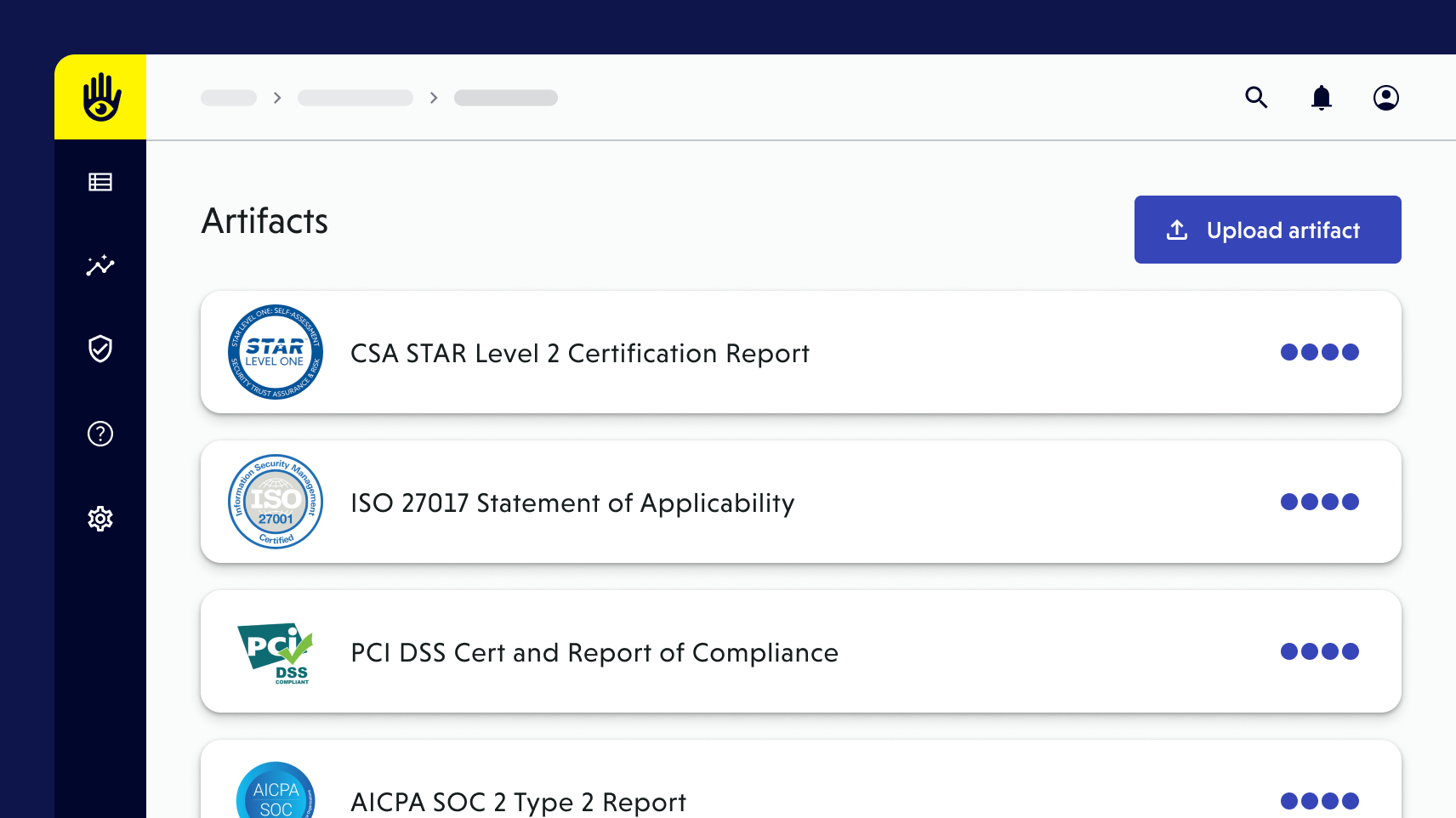 |
Details TabIncludes company metadata, domains, firmographics, and other foundational vendor details. | 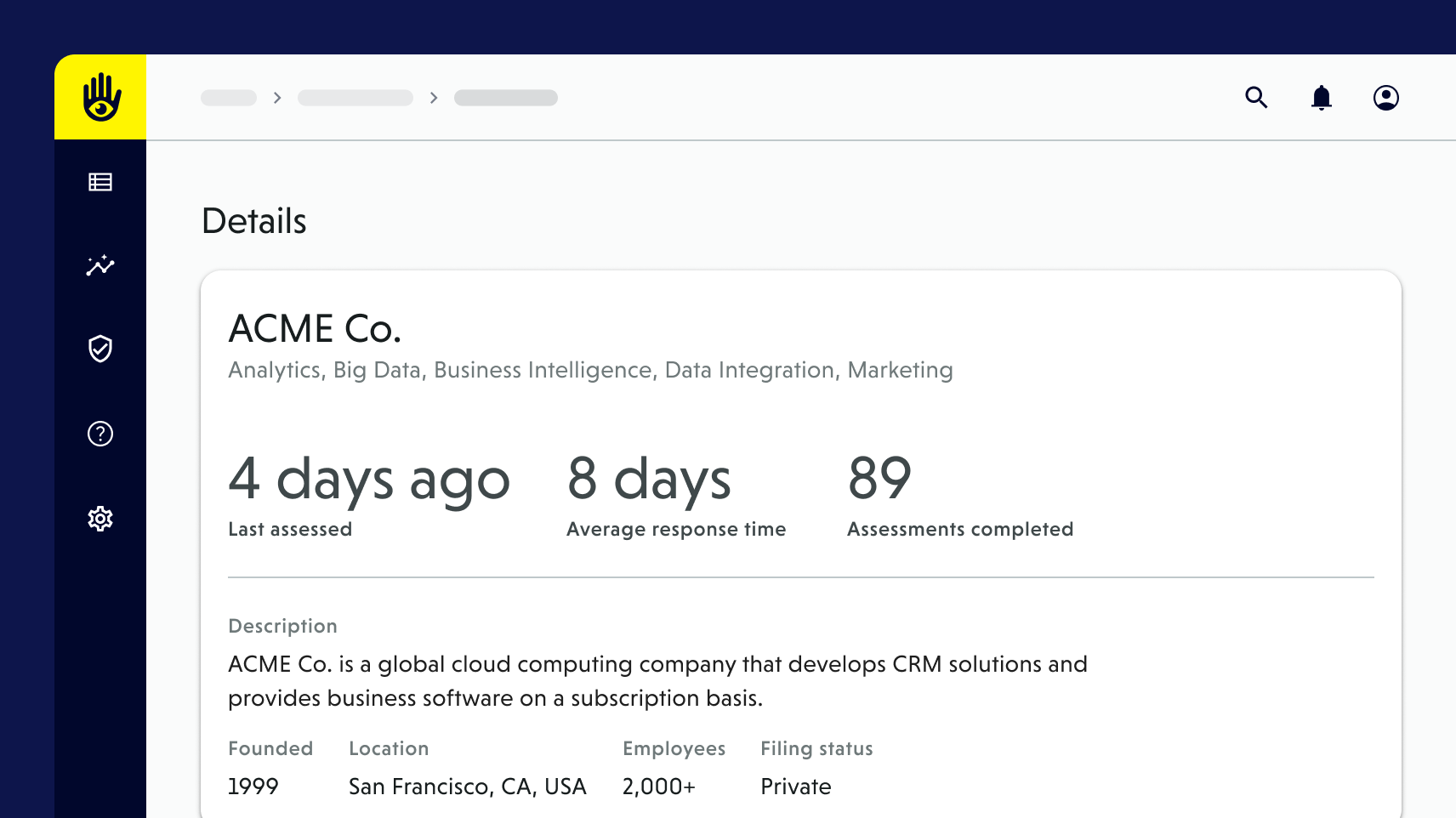 |
What Happens Next
Once you’ve reviewed the Instant Assessment, you can take action immediately:
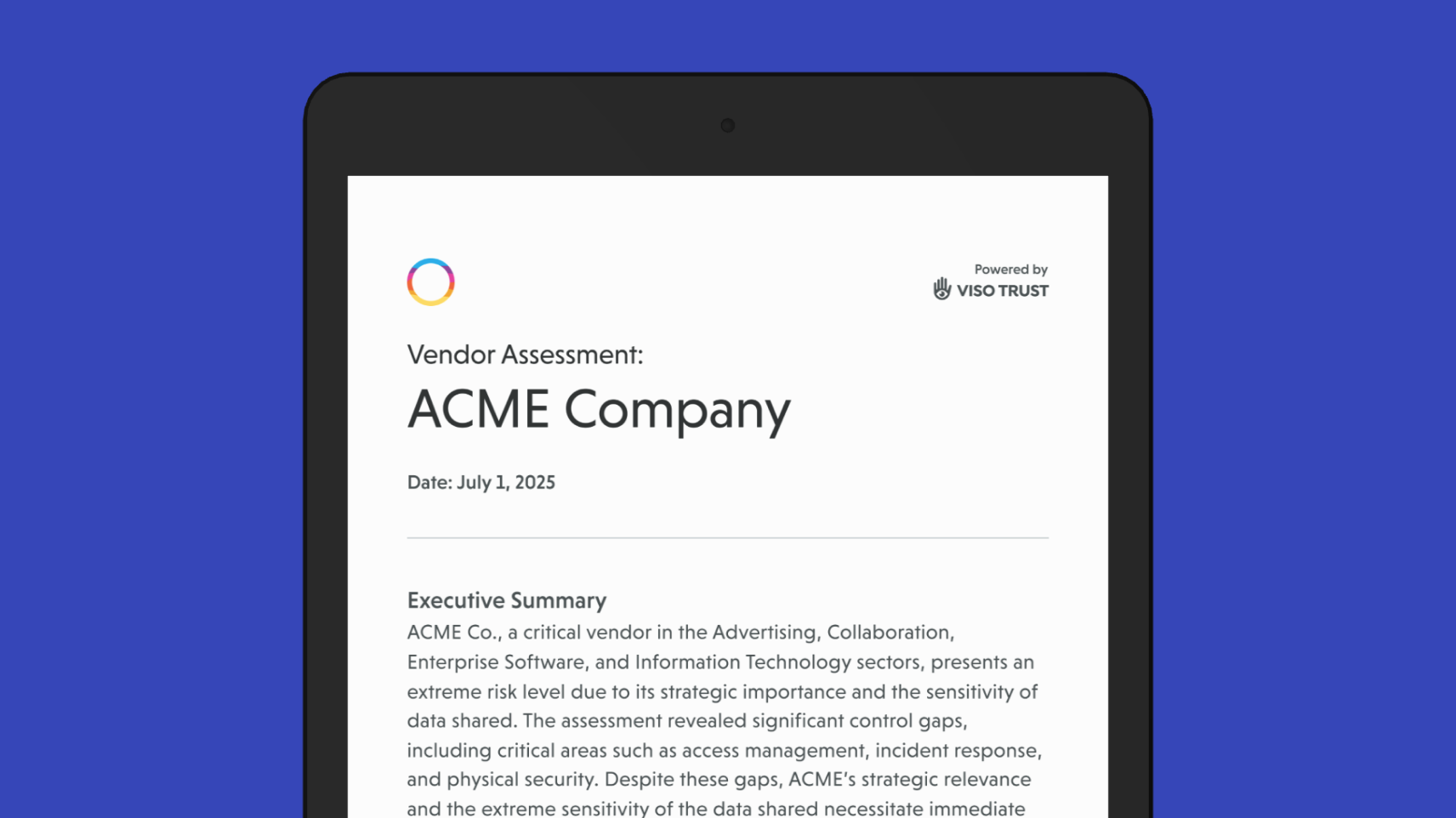
Export a Branded PDF Summary
Generate a professionally formatted PDF of the assessment summary to share with stakeholders or attach to internal workflows.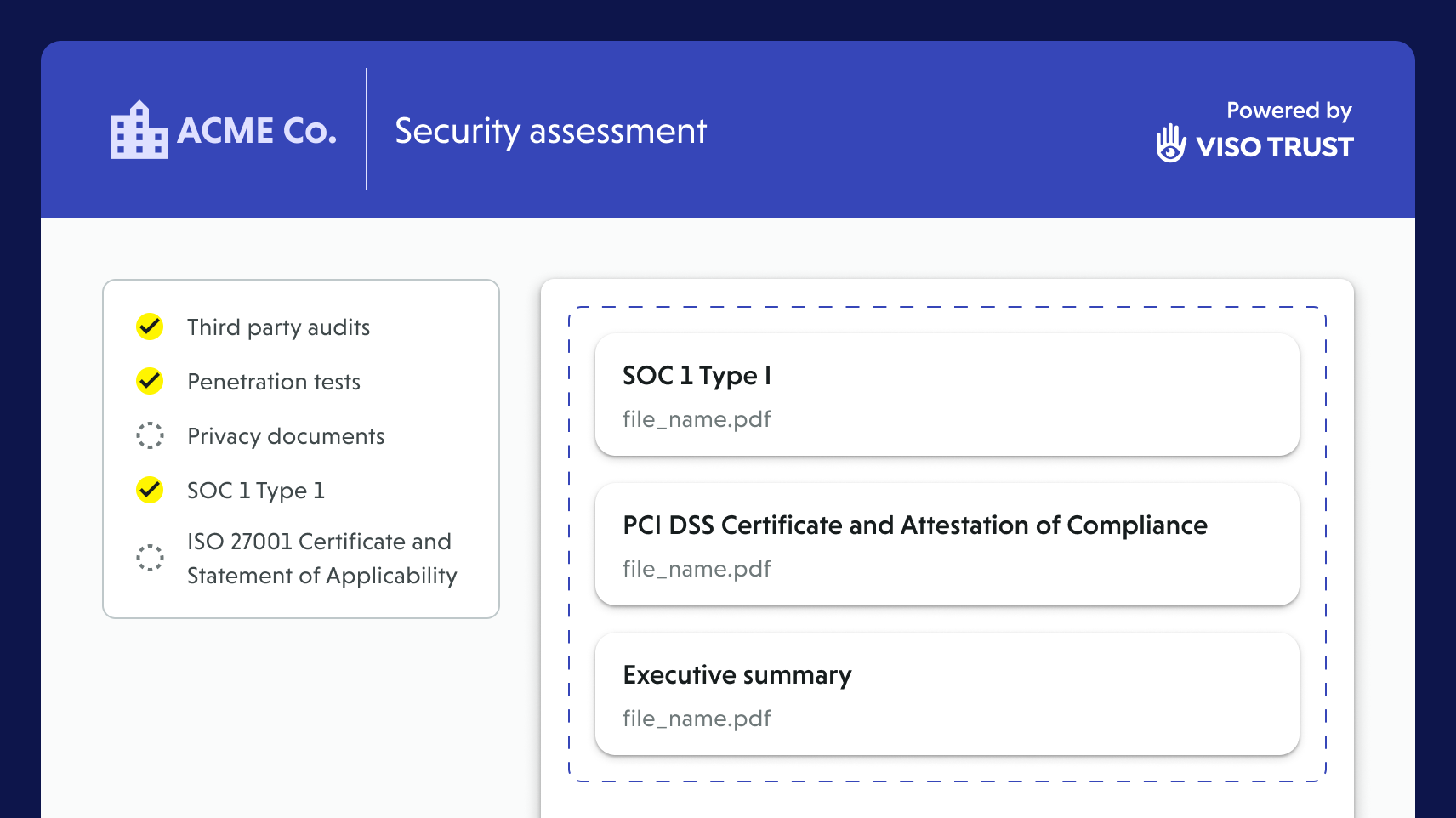
Update the assessment with more information
If additional evidence is needed (e.g., non-public documentation or responses), upload artifacts or trigger a collection request. VISO TRUST will reach out to the vendor and guide them through a streamlined document-sharing process.
Frequently asked questions
How do I get an Instant Assessment?
What information goes into an Instant Assessment?
Publicly available artifacts (e.g. privacy policies)
Compliance certifications (e.g. SOC 2, ISO 27001)
Open-source intelligence signals (security pages, disclosures, trust centers)
Company firmographic details (size, industry, domains, HQ location)
Historical insights from the VISO TRUST knowledge graph
Does the vendor need to provide anything for an Instant Assessment?
Can I disable Instant Assessment?
Can I run an Instant Assessment at any time?
You can run or refresh relationship context prediction in Relationship Configuration.
Then, initiate a vendor research assessment by selecting Update assessment > Conduct research on any relationship.